


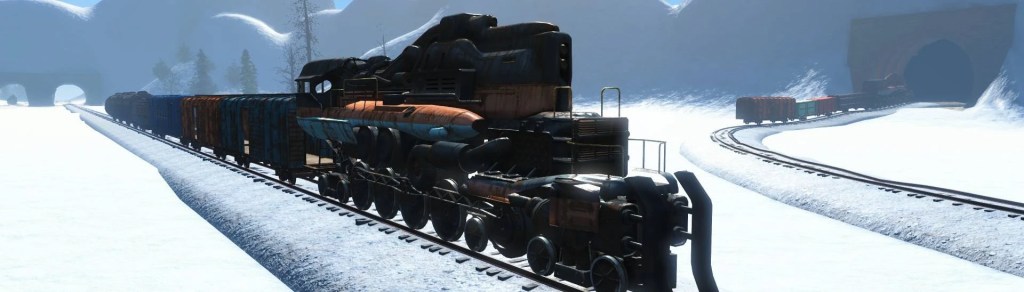
Virtual Railway
Virtual Workshop where you can build a train
A Fallout 4 mod by Pra


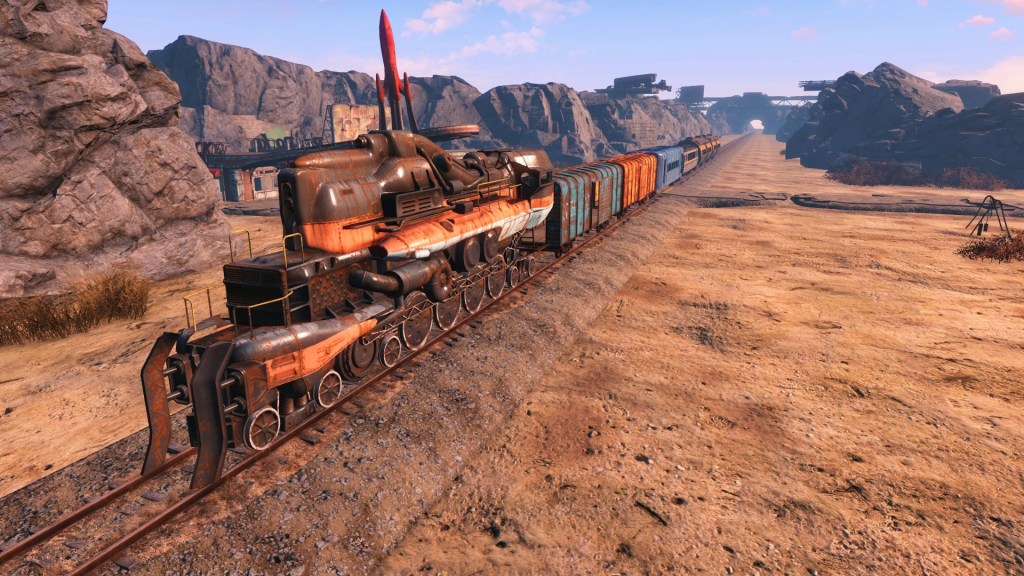

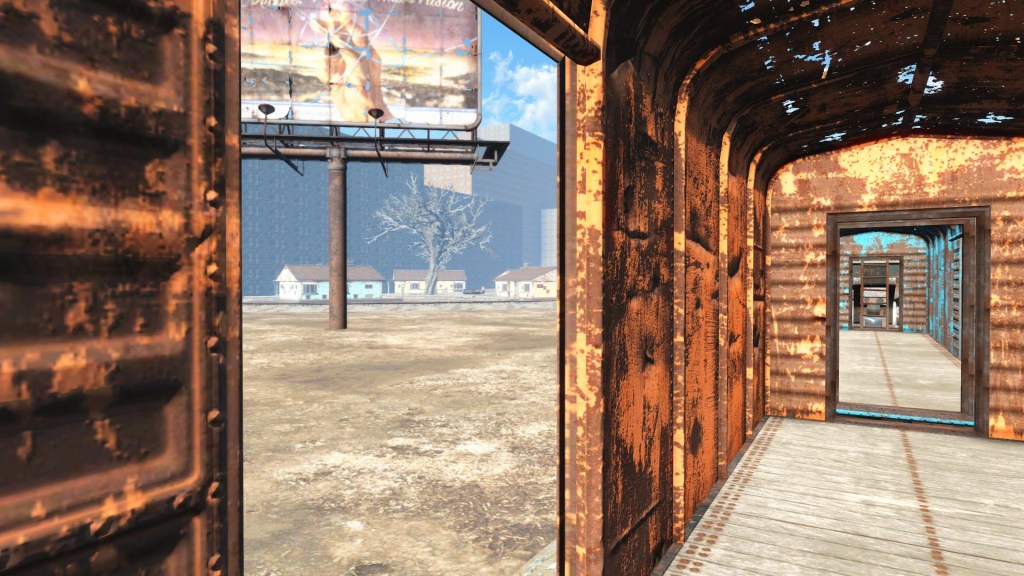
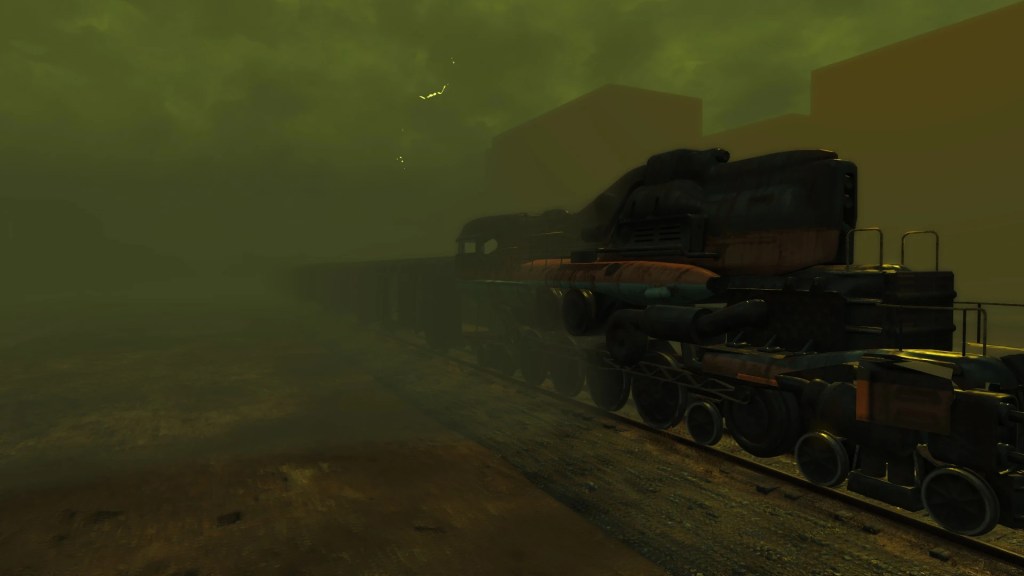

Description
Do you like trains? Did you ever wanted to drive one across the wasteland? Take the scenic route from Outpost Zimonija to GNN, making stops at Starlight, Graygarden, Oberland?
Well, you can’t.
The old railroad tracks are all busted, and the old trains are not just simply blocking them, but in fact seem to have become one with the scenery, completely unmovable by any force known to mankind.
But, maybe you can pretend like you could? Maybe you can even have a computer help you pretend? A machine which can beam virtual images right into your brain maybe?
Features:
- A virtual workshop on a moving train!
- Starts off with just the locomotive and one undercarriage, but you can build more!
- A train kit with lots of snappable train pieces to build, not just in the VR workshop!
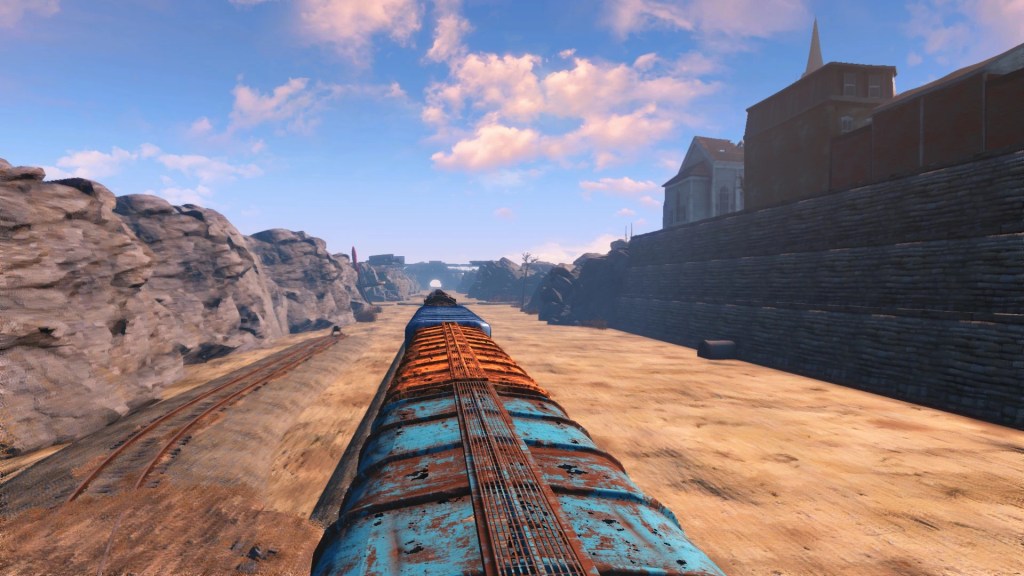
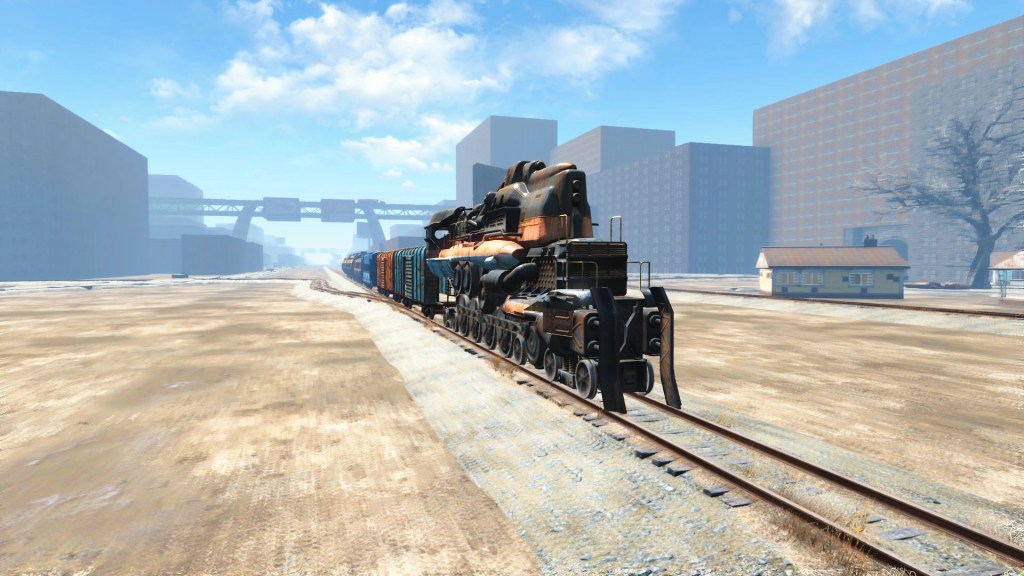
- 5 sceneries to drive through!*
- Can be registered as a “full” workshop, allowing you to spawn virtual settlers!**
* Okay, actually just 3. The other two are an endless tunnel and an empty sky with a railroad through it
** Now whenever they will be able to properly path through the train…
Limitations
- You aren’t actually moving, instead, the landscape moves past you. When you switch the backdrop via the terminal, a grid box will be displayed, indicating that the system is currently loading.
- When in workshop mode, a faint green workshop border will be displayed. This is also delineates the entire useable area in the cell.
- You can technically jump off the train without dying. You will be just dragged along and might clip through the landscape.
- Some pieces might be hard to snap. I did what I could, but in the end, we’re all at Todd’s mercy. Place Everywhere is highly recommended.
- No guarantee that NPCs will be able to walk through the train.
- The train is going to stop at the backdrop’s origin point, not whereever the train is when you press it.
- If you set the weather to rainy or snowy, particles will clip through the post-war boxcars, and will also clip into the roofs of other train cars. I tried everything imaginable to fix that, nothing worked.
Usage
Build a VR Workbench and a VR Lounger in Workshop Mode. Don’t forget to supply power to the lounger. Craft the “VR Tape – Virtual Railway” at the workbench. Load it into the lounger. Enter the lounger.
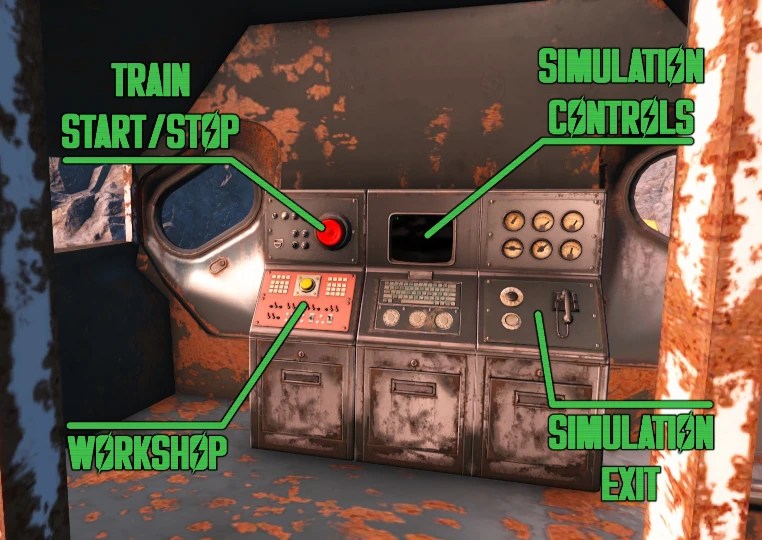
Once inside, use the console inside of the locomotive to control the train:
The big red button stops or starts the train. Due to technical limitations, it is always going to stop at the same position.
The red panel below it is the Workshop. Activate it to start Workshop Mode, or open it as a container for workshop storage.
The screen in the center is the Simulation Controls. Use it to control various properties of the simulation. This includes the scenery backdrops, as well as the music, the weather, render mode, etc. You can also exit the simulation using the terminal.
Alternatively, you can also use the telephone to exit the simulation.
Requirements and Conflicts
Requires VR Framework. Shouldn’t conflict with anything per se, however, it does place an invisible door into the Commonwealth worldspace. If that causes a conflict with another mod, this mod may lose the conflict.
Credits
The “Desert” backdrop was made by ChooChoo1.
The snow material and textures used in the “Snowy” backdrop were created by DoubleYou.

 Merry Modding Days